If you drive a Jeep Wrangler, you know how important it is to stay connected while on the road. But figuring out how to link your phone to your Jeep’s system can feel tricky if you’re not sure where to start.
Imagine making hands-free calls, streaming your favorite music, or using navigation apps—all without taking your eyes off the road. In this guide, you’ll learn exactly how to connect your phone to your Jeep Wrangler step by step. Whether you have an iPhone or an Android, you’ll be up and running in no time.
Keep reading, and discover how easy it is to get your phone synced for safer, smarter driving.
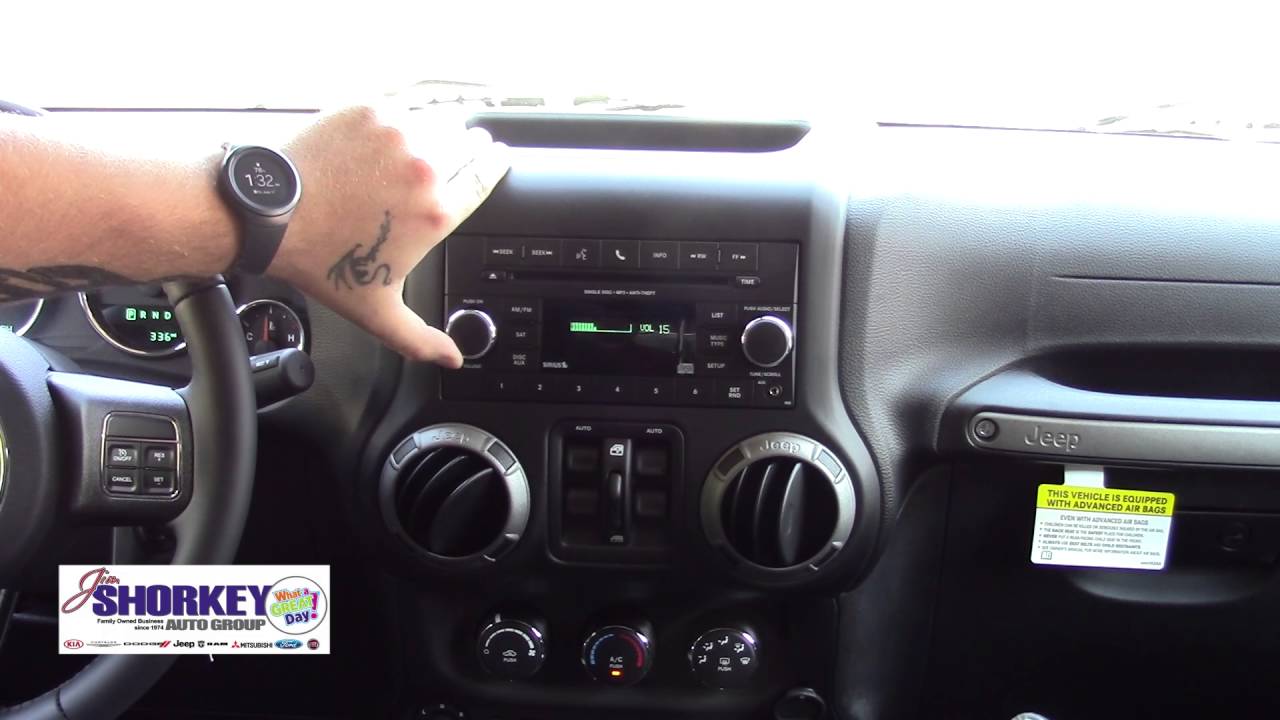
Credit: www.youtube.com
Jeep Wrangler Bluetooth Basics
Connecting your phone to a Jeep Wrangler starts with understanding the Bluetooth basics. The Jeep Wrangler uses a system called Uconnect. It allows you to make hands-free calls, stream music, and access apps safely while driving.
Knowing how the system works and what devices are compatible makes pairing easier. This section explains the essentials of Jeep Wrangler Bluetooth setup.
What Is Uconnect System
The Uconnect system is Jeep’s built-in infotainment platform. It manages Bluetooth connections, navigation, and media controls. The system uses a touchscreen or voice commands to interact with your phone. It keeps your focus on driving while using your phone safely. Uconnect also supports features like Apple CarPlay and Android Auto on newer models.
Compatible Phones And Devices
Most smartphones with Bluetooth work with the Jeep Wrangler’s Uconnect system. This includes both iPhones and Android phones. Your phone must have Bluetooth turned on. Older phones might not support all features, such as streaming or voice commands. Tablets and some other Bluetooth devices can also connect for media playback. Check your phone’s Bluetooth settings if you have trouble pairing.
Preparing Your Phone
Before connecting your phone to a Jeep Wrangler, some preparation is necessary. This ensures a smooth and quick pairing process. Proper setup helps avoid connection errors and frustration. Follow these steps to get your phone ready for a seamless link.
Enable Bluetooth Settings
Start by opening your phone’s settings menu. Find the Bluetooth option and turn it on. Make sure your phone is visible to other devices. Staying on this screen keeps Bluetooth active during pairing. Without Bluetooth enabled, your phone cannot connect to your Jeep.
Clear Previous Pairings
Old Bluetooth connections can cause conflicts. Go through your phone’s paired devices list. Remove any Jeep or car-related devices you no longer use. This frees up space for a fresh connection. Clearing previous pairings helps avoid confusion during setup.
Pairing Phone With Jeep Wrangler
Pairing your phone with a Jeep Wrangler allows easy access to calls and music. It also keeps your hands free while driving. The process is simple and quick. You only need to follow a few steps on the Uconnect system and your phone. This guide explains how to pair your phone with the Jeep Wrangler.
Accessing Uconnect Phone Menu
First, turn on your Jeep Wrangler. Make sure the vehicle is in park. On the Uconnect touchscreen, find and tap the “Phone” icon. This opens the phone menu. Your screen will show options for phone settings and connections.
Selecting Add Device
In the phone menu, look for the “Add Device” or “Pair Device” option. Tap on it to start the pairing process. The system will search for nearby Bluetooth devices. At this point, open Bluetooth settings on your phone and make it discoverable.
Confirming Pin Match
The Uconnect system will display a PIN code. Your phone will also show a PIN for pairing. Check that both PINs match exactly. If they do, confirm the pairing on both your phone and the Jeep’s screen. The devices will connect, and your phone is ready to use with the Jeep.
Using Voice Commands
Using voice commands in your Jeep Wrangler simplifies phone connection. Voice control lets you keep your hands on the wheel. This feature enhances safety and convenience. You can make calls, send messages, and play music without touching your phone.
Activating Phone Pairing
To start, press the Uconnect phone button on your steering wheel. Say “Set up” clearly. Then say “Phone pairing” to begin the process. The system will search for nearby devices.
Ensure Bluetooth is on your phone. Select “Uconnect” from your phone’s Bluetooth list. Confirm the PIN shown on both devices. Your phone will then connect to the Jeep’s system.
Common Voice Prompts
Use simple commands for smooth operation. Say “Call [contact name]” to make a call. Say “Read messages” to hear your texts aloud. Say “Play music” to start your favorite songs.
Try “Dial number” followed by the digits to call directly. To hang up, say “End call.” To reject a call, say “Ignore call.” These prompts keep your focus on driving.
Connecting Apple Carplay And Android Auto
Connecting Apple CarPlay and Android Auto to your Jeep Wrangler enhances your driving experience. These systems provide easy access to navigation, music, and calls through your vehicle’s touchscreen. Jeep’s Uconnect system supports both wired and wireless connections, making it simple to stay connected on the road.
Wired Connection Setup
To set up a wired connection, start by using a high-quality USB cable. Plug one end into your phone and the other into the Jeep’s USB port. The Uconnect system will detect your device automatically. Follow the on-screen prompts to enable Apple CarPlay or Android Auto. This method offers a stable connection and fast response times.
Wireless Connection Setup
Wireless connection requires Bluetooth and Wi-Fi to be turned on your phone. Make sure your Jeep supports wireless CarPlay or Android Auto. On your phone, go to the Bluetooth settings and pair with the Jeep’s system. The Uconnect screen will guide you to complete the setup. Wireless connection provides freedom from cables but may use more phone battery.
Compatibility Notes
Apple CarPlay works with iPhone 5 and later models using iOS 7.1 or newer. Android Auto supports phones running Android 6.0 and above. Jeep Wrangler models from recent years are most likely compatible. Check your Jeep’s Uconnect version to confirm support. Some older models may only support wired connections.
Troubleshooting Pairing Issues
Troubleshooting pairing issues can be frustrating while connecting your phone to a Jeep Wrangler. Problems may arise even after following the correct steps. Understanding common issues helps fix them quickly. This section covers solutions to frequent pairing problems.
Phone Not Detected
Sometimes, the Jeep’s system does not detect your phone. Check if Bluetooth is active on your phone. Make sure your phone is close to the Jeep’s Uconnect system. Turn off airplane mode if it is on. Clear the list of paired devices on the Uconnect system to free space.
Pin Mismatch Problems
A PIN mismatch stops the pairing process. Confirm that the PIN shown on your phone matches the one on the Jeep’s screen. Enter the PIN carefully without mistakes. If the PIN does not appear, restart the pairing process from the beginning.
Resetting Uconnect System
Resetting the Uconnect system can solve many issues. Go to the settings menu on the Jeep’s touchscreen. Find the option to reset or restore factory settings. This clears all previous connections and errors. After reset, try pairing your phone again.
Restarting Your Phone
Restarting your phone refreshes its Bluetooth connection. Turn your phone off completely, wait a few seconds, then turn it back on. This simple step can fix many problems. Try pairing your phone with the Jeep again after restart.
Maximizing Phone Integration
Maximizing phone integration in your Jeep Wrangler enhances your driving experience. It keeps you connected without distractions. Using your phone’s features through the Jeep system is safer and more convenient. This section covers key ways to make the most of your phone connection.
Hands-free Calling Tips
Use the Uconnect system for hands-free calls. Press the phone button on the touchscreen or steering wheel. Speak clearly to activate voice commands. Say the contact’s name to place a call. Keep conversations short to stay focused on driving. Always confirm the call before speaking. This helps prevent errors and distractions.
Streaming Music Options
Connect your phone via Bluetooth to stream music easily. Use apps like Spotify, Apple Music, or Pandora on your phone. Control playback from the Jeep’s touchscreen or steering wheel buttons. Create playlists before you start driving. This avoids using your phone while on the road. Adjust volume through the vehicle’s system for clear sound.
Using Navigation Features
Access your phone’s navigation through Jeep’s Uconnect system. Use Apple CarPlay or Android Auto for seamless integration. Enter destinations via voice commands to keep your hands free. Follow turn-by-turn directions displayed on the touchscreen. Adjust map views and settings using the system controls. This ensures you stay on track without distractions.
Credit: www.autonationchryslerdodgejeepramnorthrichlandhills.com
Safety Tips During Pairing
Pairing your phone to a Jeep Wrangler is simple, but safety must come first. Connecting devices while driving can cause distractions. Follow these safety tips to keep yourself and others safe during the pairing process.
Taking a few precautions helps maintain focus on the road. Use the Jeep’s Uconnect system properly to avoid accidents. The goal is to connect your phone without risking your safety or that of passengers.
Pairing While Parked
Always pair your phone when the Jeep is parked. Do not attempt to connect while driving. Put the vehicle in park to prevent sudden movements. This step ensures you can focus fully on the setup. Many Jeep models disable pairing while moving for safety reasons.
Turn on Bluetooth on your phone before starting. Use the touchscreen or voice commands to begin pairing. Confirm the connection only when the Jeep is still. This method avoids distractions and keeps control of the vehicle.
Avoiding Distractions
Keep your eyes on the road, not on your phone or screen. Avoid handling your phone during pairing. Use voice commands if possible to reduce manual input. This helps keep your hands on the wheel and eyes ahead.
Ask passengers to assist with pairing if available. This reduces the need to take your attention off driving. If alone, stop in a safe place before connecting. Distractions can lead to accidents, so prioritize safety over convenience.
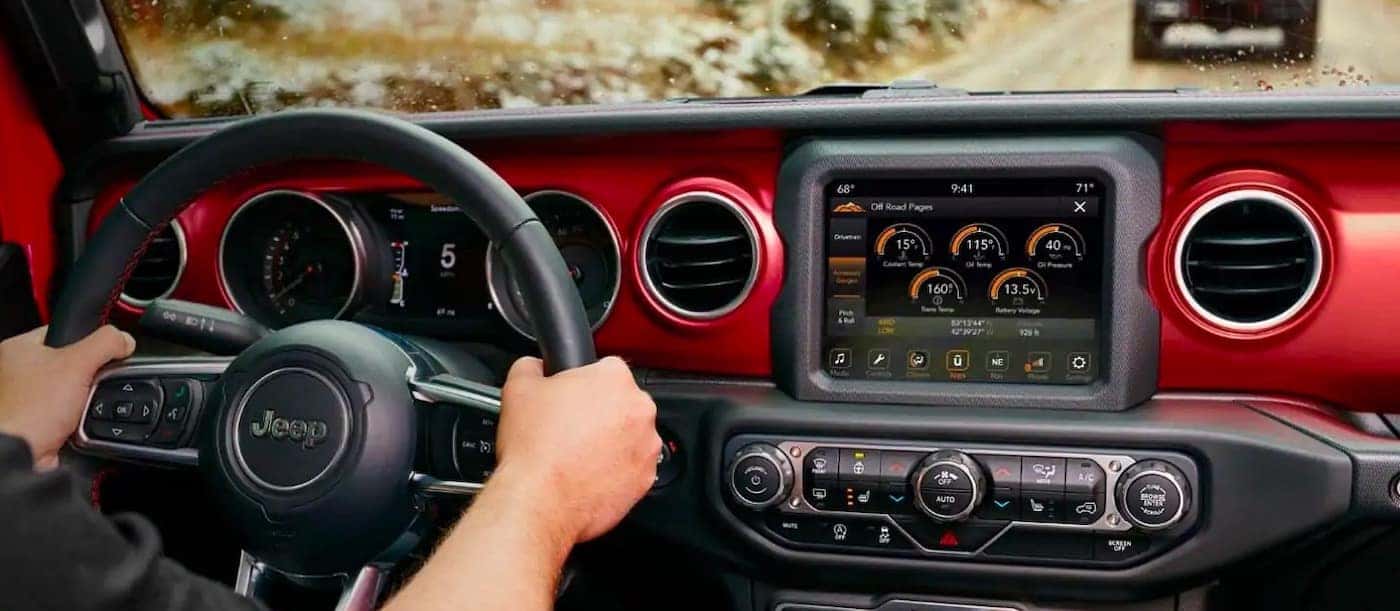
Credit: www.scottevanschryslerdodgejeep.com
Frequently Asked Questions
How Do I Pair My Phone With My Jeep Wrangler?
Activate Bluetooth on your phone and park your Jeep. Press the Uconnect “Phone” button, select “Add Device,” choose “Uconnect” on your phone, and confirm the PIN to pair successfully.
How To Pair A Jeep With An Iphone?
Activate Bluetooth on your iPhone. On Jeep’s Uconnect screen, tap Phone > Add Device. Select “Uconnect” on iPhone’s Bluetooth list. Confirm the PIN to pair.
How To Pair Phone To 2015 Jeep?
Activate Bluetooth on your phone and park the Jeep. Press the Uconnect “Phone” button, select “Add Device,” then choose “Uconnect” on your phone. Confirm the PIN to complete pairing.
Why Is My Phone Not Pairing With My Jeep?
Check that Bluetooth is enabled on your phone and the Jeep is in park. Restart devices and clear old connections. Select “Add Device” on Uconnect and confirm the PIN matches.
Conclusion
Connecting your phone to a Jeep Wrangler is quick and simple. Just follow the basic steps to pair via Bluetooth or Uconnect. Once connected, enjoy hands-free calls and music while driving safely. Remember to keep your vehicle parked during setup for safety.
If problems arise, restarting your phone or clearing old devices often helps. Staying connected makes every drive more enjoyable and convenient.